

Device Posture Check
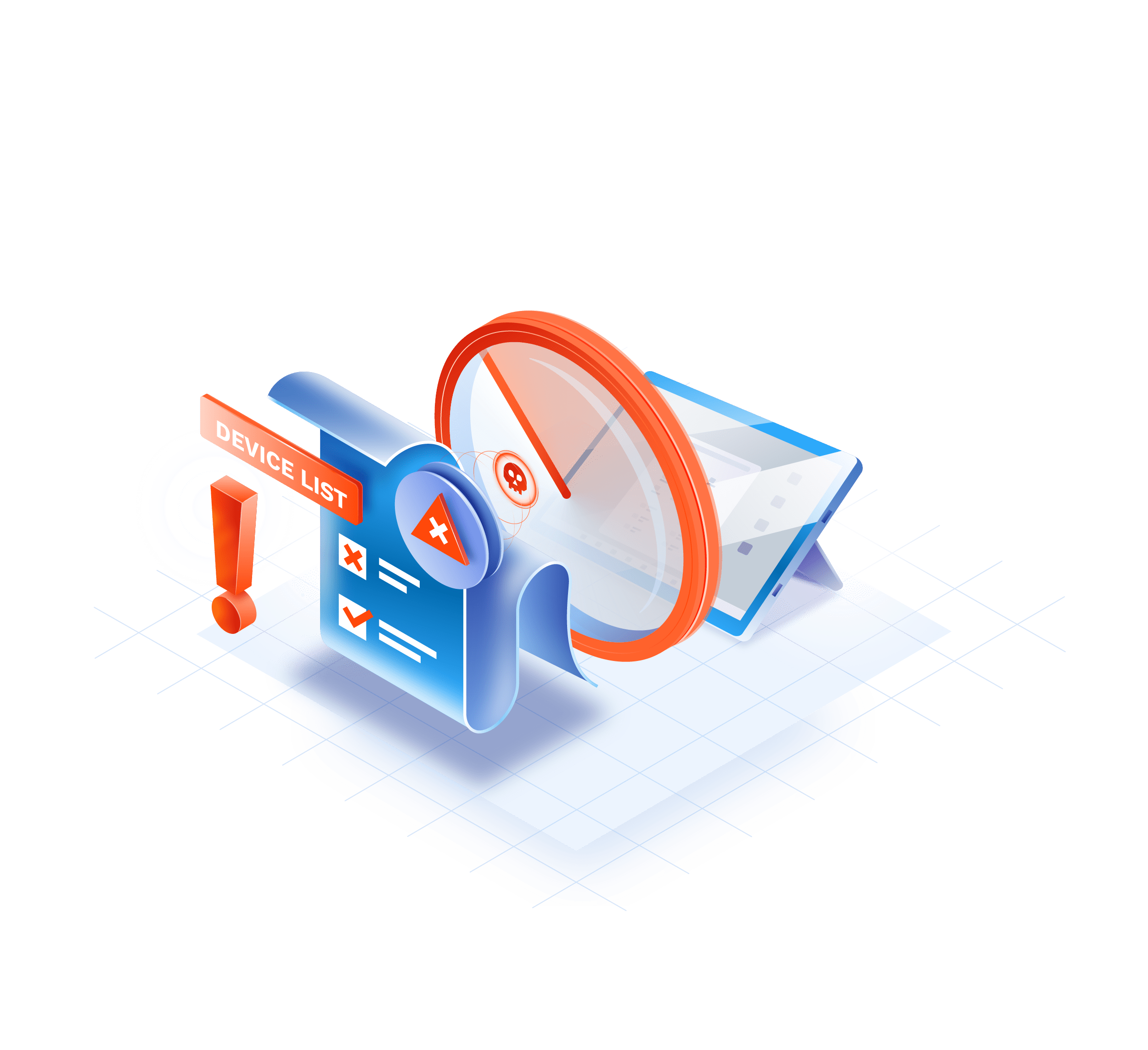
Detect non-compliant devices and block their entry to your perimeter. Define your own
device policy and enforce it in real-time. GoodAccess Device Posture Check is BYOD
security made simple.
Device Posture Check is fully integrated in GoodAccess client apps and managed and
enforced centrally.
Try GoodAccess for free.
No card needed. Full onboarding support.
BENEFITS
Protect your perimeter from untrusted and vulnerable devices

Dynamic device security policies
Tailor device security requirements to your company's needs and enforce them in real-time.
Main benefit

Easy access management
Monitor any device that connects to your SDP with zero additional investment.
Main benefit

Endpoint visibility and control
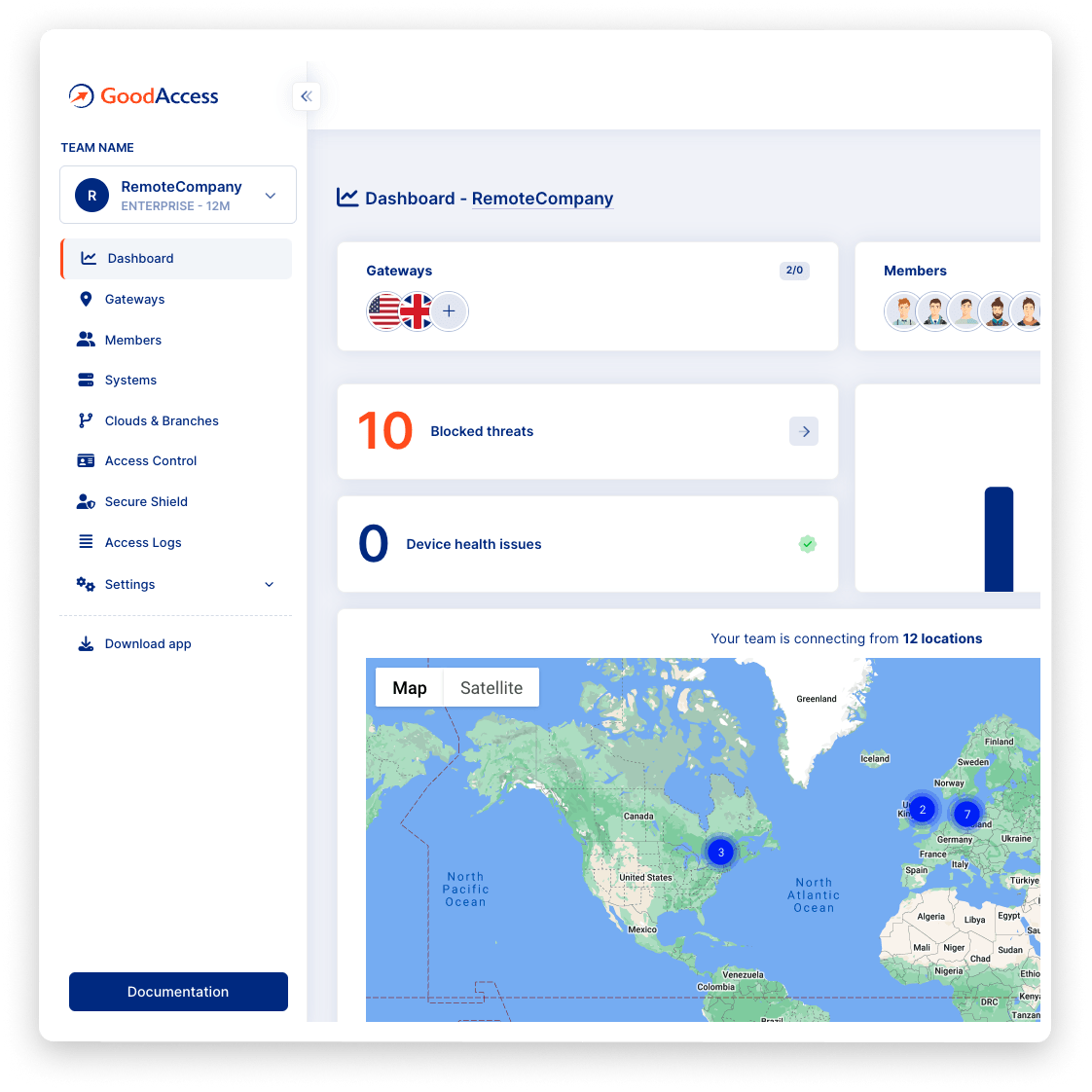
Gain full control over connecting devices and monitor their health and connection details in one place.
Main benefit
Try Interactive Demo
Experience GoodAccess via an interactive demo. Get a feel for all its features and find out why GoodAccess is the right choice for your business.
FEATURES
Device Posture Check weeds out violations to your security policy
Protection
Protection from untrusted devices
Create your own device security policy and enforce it centrally. Weed out non-compliant devices and block them from accessing your network. Enable easy BYOD remote access with zero additional hardware or software tools.

Control management
More control and easier management
Monitor the health of all user devices in one place. Check their access history and health track record. Adjust your policy from a central UI and enforce it in real-time.

Compliant
Better compliance
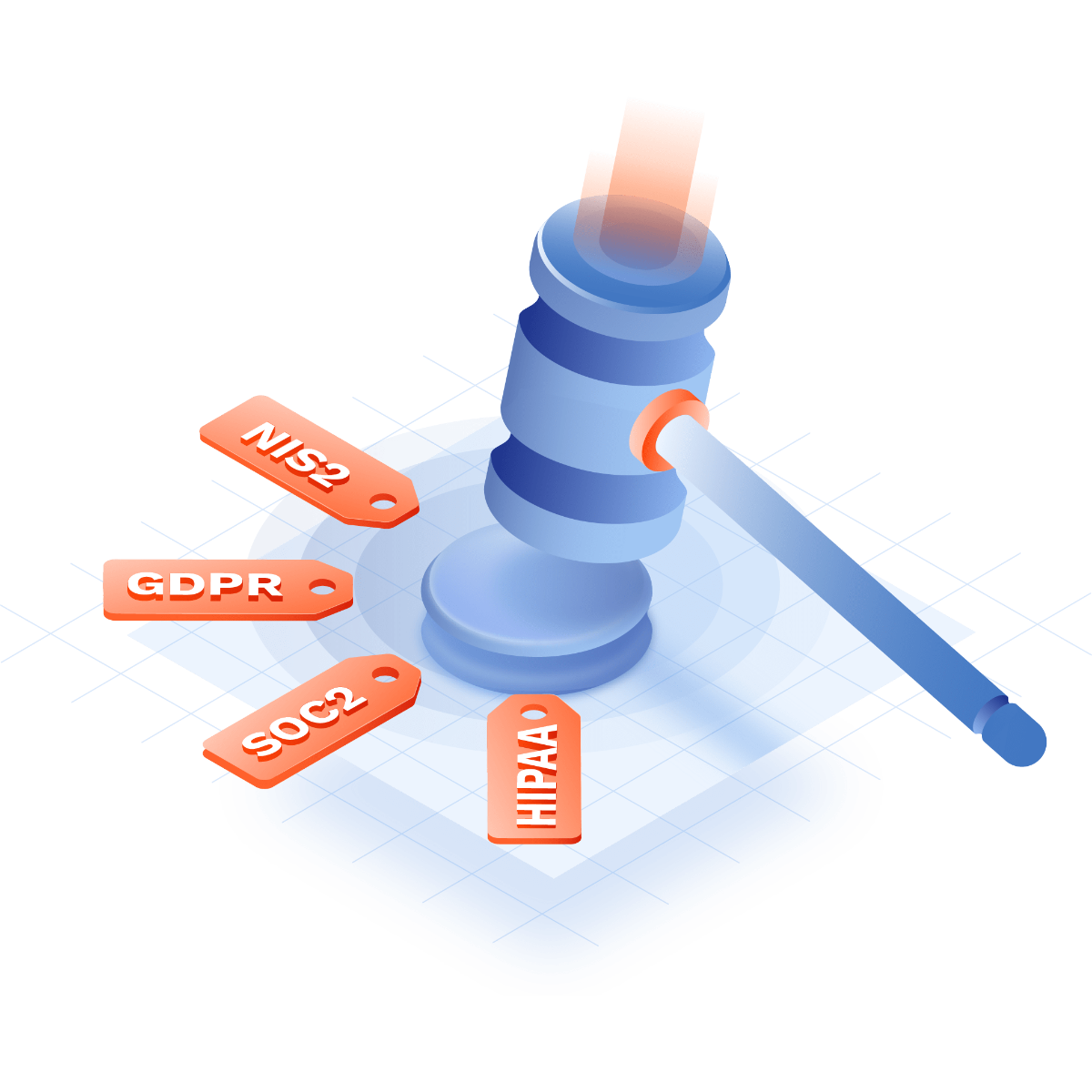
Assure device security compliance with standards and regulations like SOC 2, NIS 2, ISO 27001, and HIPAA.
Case study
Hear it from your peers


Case study
Zero Trust Architecture in Creative Dock
Creative Dock needed to ensure ISO 27001 compliance, but they
struggled to achieve the required level of security and control over their network and
user devices (BYOD) with their prior remote-access solution.
Without any additional hardware, GoodAccess provided Creative Dock with full,
centralized control over their infrastructure and
covered up to 70% of technical security requirements of ISO 27001.

Trusted leader in Zero Trust Security
Discover why leading companies rely on GoodAccess for building their Zero Trust Architecture solutions.


"Incredibly user frienly, fast and very helpful."
Overall, the GoodAccess platform is amazing. From the administration side, the platform is incredibly user friendly and you can be up and running in a few minutes, managing users takes no time at all and the customer service is fast and very helpful. We have been with GoodAccess for a number of years with no complaints. The product is very competitive in price with its competitors.

"Find the connectivity and stability of connections stable."
We have been very happy with the reliability of GoodAccess. We find the connectivity and stability of connections stable, we have users across multiple countries and the experience has been very good.

"Simplifies access management and reduces network administration complexity."
GoodAccess's Zero Trust Architecture effectively secures our access to critical network infrastructure and web applications. By enabling a unified IP address for all clients, it simplifies access management and reduces network administration complexity.


"Secure, scalable access to critical systems across a global IP reach."
GoodAccess provides fast onboarding, excellent reporting, and helpful support. It offers secure, scalable access to critical systems across a global IP reach, making it vital for managing multiple users effortlessly. The platform's user-friendly management enhances our operational efficiency and security.
Let's get started

Test all premium features for 14 days without limitation. No credit card required.

Choose a gateway near your location, and connect.

Invite team members and build your secure environment in 10 minutes.
No card needed. Full onboarding support.
Get your personalized product demo
Take a product tour with Eva, GoodAccess product expert, to discover how GoodAccess meets your needs firsthand.

Other features
Explore other features

System-level access logs
Monitor access on the system level, spot suspicious behaviors, and intervene before the problem escalates.

Zero trust access control
Minimize the attack surface by robust user authentication, granular privilege assignment, and strong encryption.

DNS filtering
Protect your network from phishing attempts, malicious domains, or productivity sinks.
device posture check guide
Complete guide to GoodAccess Device Posture Check
The Device Posture Check is a security measure integrated into the GoodAccess client app
that checks whether the user device meets security policy. It does so immediately after
installing the agent on the device, after the user logs in, and periodically every
30 minutes.
You can set up a security policy using a custom mix of criteria, e.g. lock screen
protection, OS type and version, active antivirus software, specified registry key, etc.
For a comprehensive list of restrictions, please refer to our
Support Portal.
Non-compliant devices will be logged, the admin will be notified, and (optionally) the
device will be blocked from accessing resources within the perimeter.
Device Posture Check is available for devices of all major platforms—Windows, macOS,
iOS, iPadOS, Android, and Linux.
How the Device Posture Check works
-
Whenever the user logs in their application, the Device Posture Check assesses the device against your policy restrictions. This also occurs every 30 minutes while the application is running.
-
Each policy restriction is evaluated individually, and the device must meet all of them.
-
Depending on the outcome of the Posture Check, the device is either granted or denied access to your SDP.
-
The Device Posture Check will continuously watch for changes in policy restrictions. When you make changes, devices that fail to comply with the new criteria will be disconnected.
-
You can monitor all your users' connected devices, their security posture, and the outcomes of past checks from the Control Panel.