

Single Sign-On
Sign into GoodAccess with Okta, Microsoft Entra ID, Google, JumpCloud, or SAML. Reduce access management workload and provide convenient access to multiple business applications for your end-users with single sign-on (SSO).
Create Free Account See DemoNo card needed. Full onboarding support.
BENEFITS
Manage access with one set of credentials

Convenient access
Gain access to your secure environment and protected applications with one set of credentials.
Main benefit

Easy access management
Avoid fragmented, per-application access management. Manage everything in one place.
Main benefit
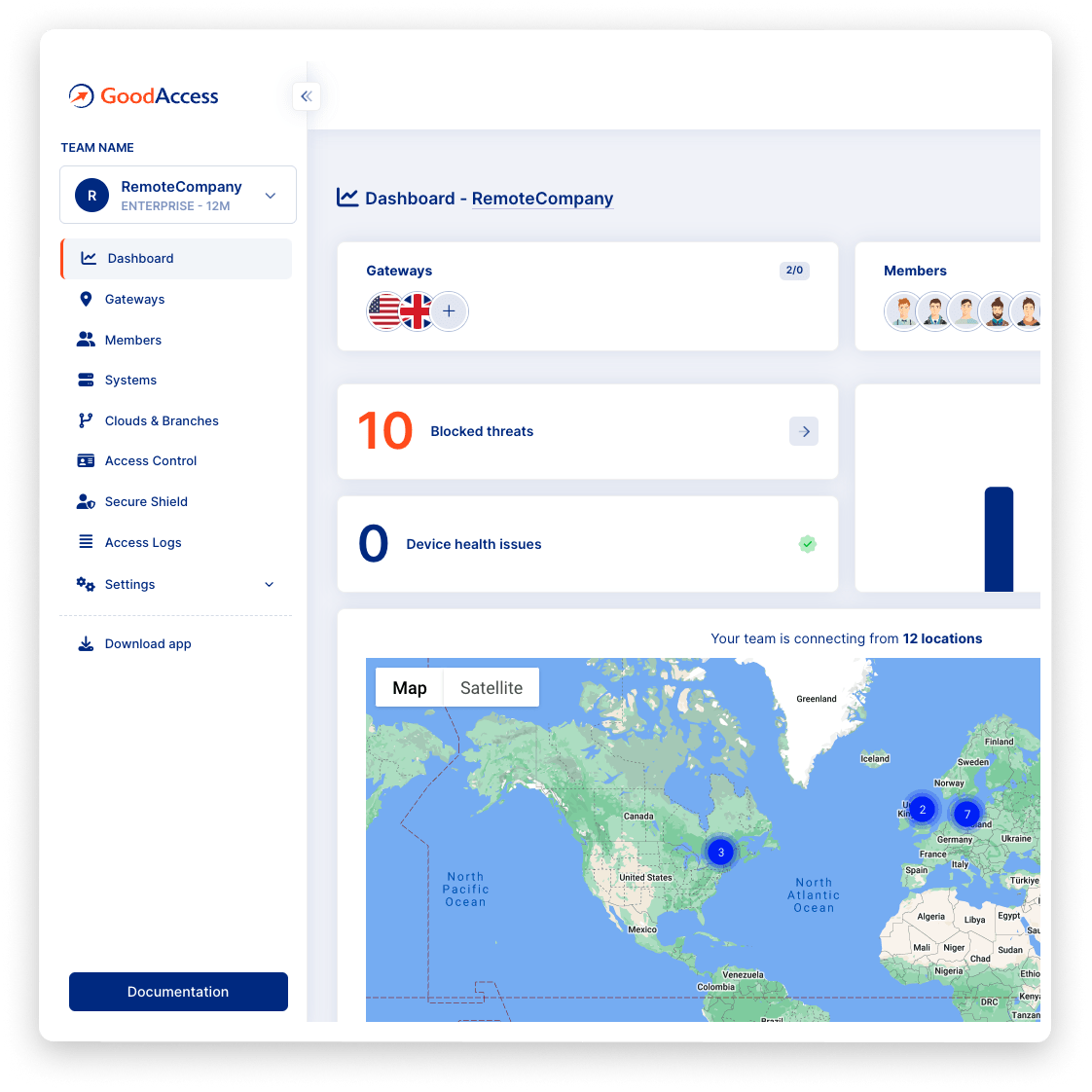
Try Interactive Demo
Experience GoodAccess via an interactive demo. Get a feel for all its features and find out why GoodAccess is the right choice for your business.
SSO demo
How to use single sign-on
FEATURES
Secure and user-friendly application access
easy access
Easy access for end-users
Allow your end-users to log into your secured IT environment with just one set of access credentials.

central access
Central access management
Manage user access in one place and stay informed about your users' access history and behavior.

reduced attacks
Reduced attack surface
Replace multiple access credentials by one strong, secure set and reduce the number of points of entry for potential attackers.
Case study
Hear it from your peers


Case study
Zero Trust Architecture in Creative Dock
Creative Dock needed to ensure ISO 27001 compliance, but they
struggled to achieve the required level of security and control over their network and
user devices (BYOD) with their prior remote-access solution.
Without any additional hardware, GoodAccess provided Creative Dock with full,
centralized control over their infrastructure and
covered up to 70% of technical security requirements of ISO 27001.

Trusted leader in Zero Trust Security
Discover why leading companies rely on GoodAccess for building their Zero Trust Architecture solutions.


"Incredibly user frienly, fast and very helpful."
Overall, the GoodAccess platform is amazing. From the administration side, the platform is incredibly user friendly and you can be up and running in a few minutes, managing users takes no time at all and the customer service is fast and very helpful. We have been with GoodAccess for a number of years with no complaints. The product is very competitive in price with its competitors.
"Find the connectivity and stability of connections stable."
We have been very happy with the reliability of GoodAccess. We find the connectivity and stability of connections stable, we have users across multiple countries and the experience has been very good.
"Simplifies access management and reduces network administration complexity."
GoodAccess's Zero Trust Architecture effectively secures our access to critical network infrastructure and web applications. By enabling a unified IP address for all clients, it simplifies access management and reduces network administration complexity.


"Secure, scalable access to critical systems across a global IP reach."
GoodAccess provides fast onboarding, excellent reporting, and helpful support. It offers secure, scalable access to critical systems across a global IP reach, making it vital for managing multiple users effortlessly. The platform's user-friendly management enhances our operational efficiency and security.
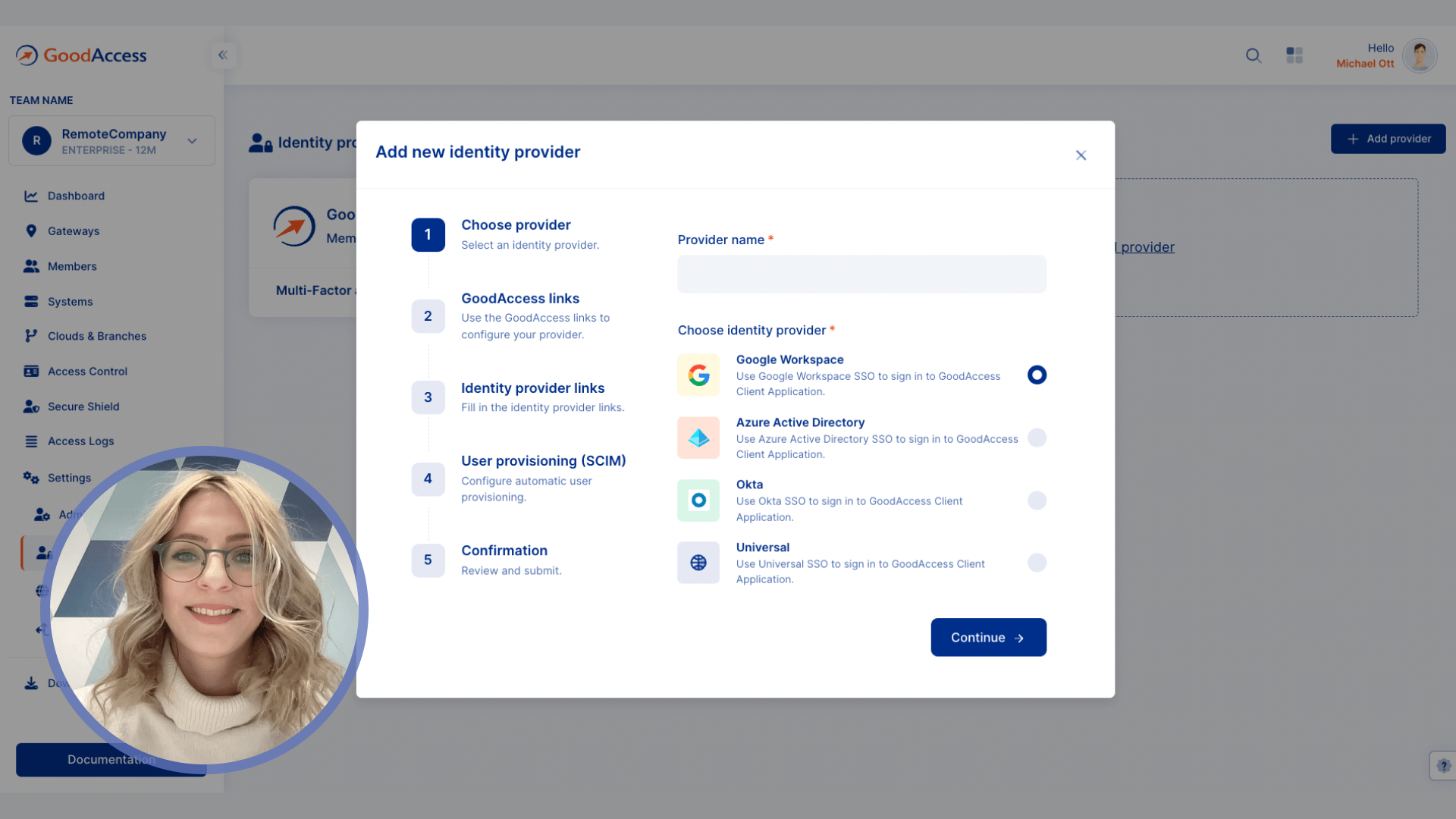
How to enable SSO in GoodAccess
Test all premium features for 14 days without limitation. No credit card required.
Connect to a gateway near your location, decide what systems to include in your secure environment.
Invite team members and set up SSO in the Control Panel. Use SSO with Okta, MS Entra ID, Google, JumpCloud, or SAML.
No card needed. Full onboarding support.
Get your personalized product demo
Take a product tour with Eva, GoodAccess product expert, to discover how GoodAccess meets your needs firsthand.

Other features
Explore similar features

Multi-factor authentication
Prevent unauthorized access to your internal systems with two-factor pre-authentication and biometrics.

Network access control
Extend full control over inbound connections, manage them centrally with zero hardware required.

Central dashboard
Keep track of your user behavior, network security status, and threat activity in one place.
SSO guide
A complete guide to SSO in GoodAccess
Single sign-on (SSO) is a method of logging into an online app with the access credentials of another provider. This allows users to use just one set of credentials for multiple applications, enables central management and improves user experience.
GoodAccess supports SSO with the login credentials of the following providers:
-
Okta
-
Microsoft Azure
-
Google Workspace
-
JumpCloud
-
Universal login (SAML)
To learn how to enable SSO in GoodAccess, follow this guide .