

Multi-Factor Authentication
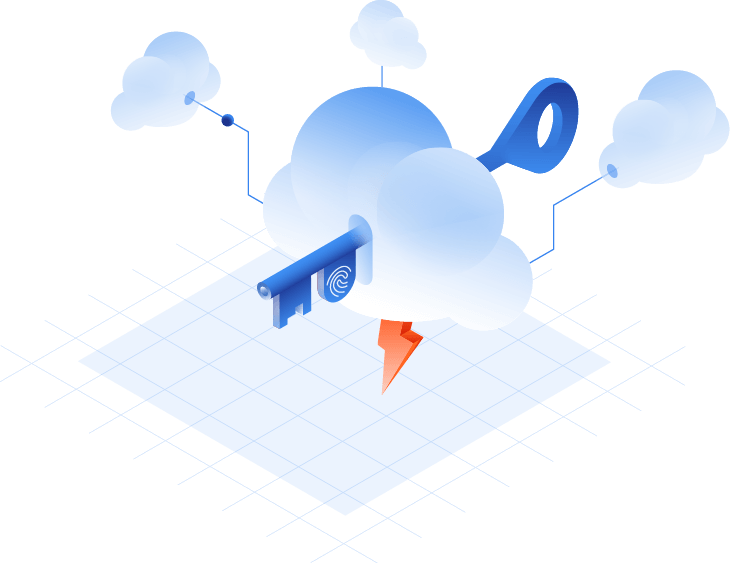
Protect access to your IT resources with additional proofs of identity on top of the username and password. Use multi-factor authentication to increase login security to your secure GoodAccess environment or admin panel. Use biometrics in the GoodAccess client apps.
Create Free Account See DemoNo card needed. Full onboarding support.
BENEFITS
Prevent unauthorized access

Layer your security
MFA places an additional obstacle in an intruder's path, stopping them from gaining access to your VPN or zero-trust environment even if they have login credentials
Main benefit

Protect remote access
Mitigate the risk of identity theft when employees connect to your VPN or zero-trust environment (e.g. by man-in-the-middle attacks).
Main benefit

Assure compliance
Fulfill the requirements of data protection acts for specific industries, where MFA enforcement is a legal obligation.
Main benefit
Try Interactive Demo
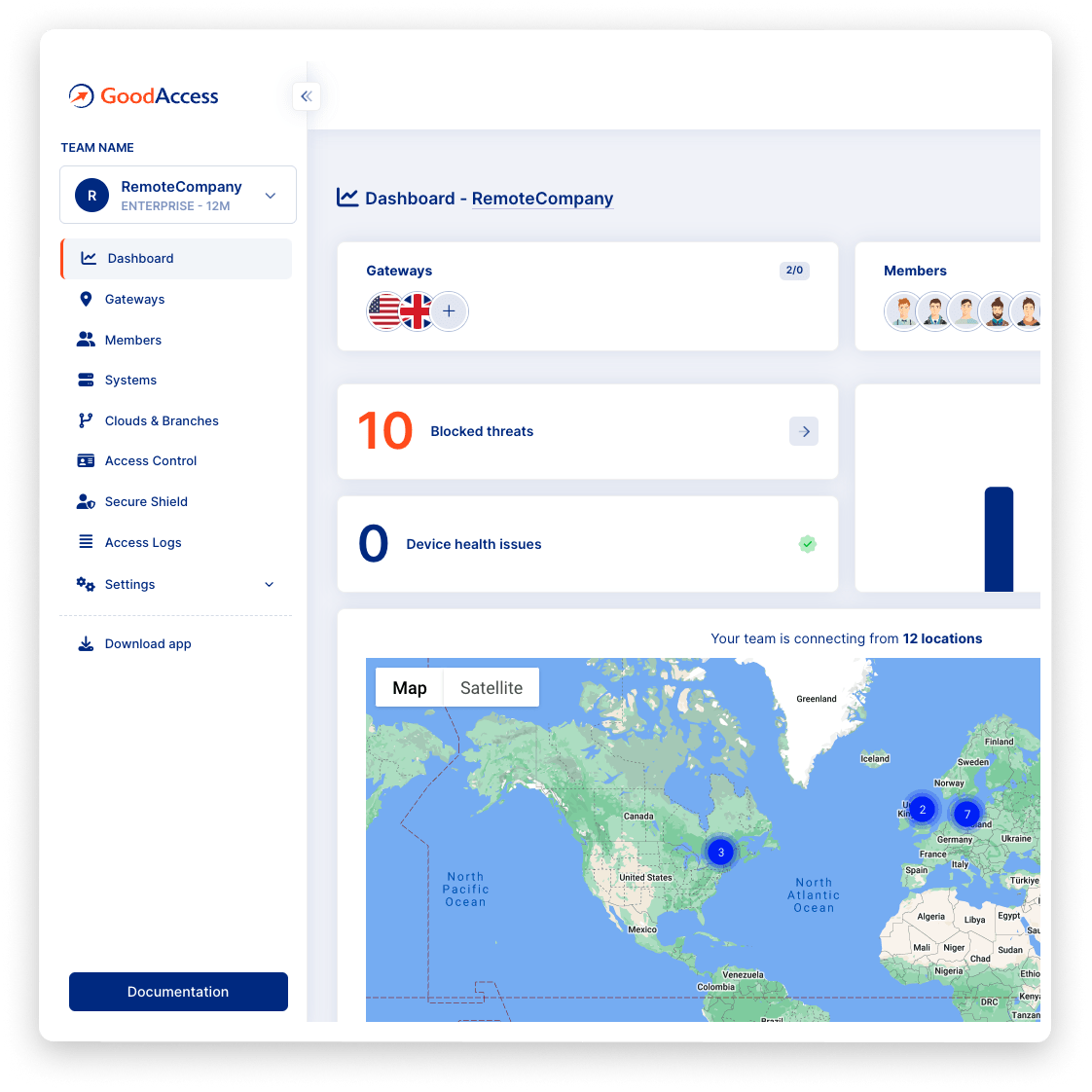
Experience GoodAccess via an interactive demo. Get a feel for all its features and find out why GoodAccess is the right choice for your business.
Multi-Factor Authentication demo
How to use multi-factor authentication
FEATURES
Increase security throughout your IT estate
MFA
Manage MFA centrally
Enable multi-factor authentication on the network level and secure access to every system without setting it up individually. Set up MFA session timeout or require MFA per every session, and send setup instructions to team members from the same interface. In addition, protect access to your central console with MFA of its own.

endpoint protection
Protect every endpoint
Add a layer of protection to every endpoint and reduce the risk of intrusion across all connecting infrastructures. Multi-factor authentication is available for every GoodAccess client app via Google Authenticator, Microsoft Authenticator, and Authy.
biometric identity verification
Log in with biometrics
Speed up access to your secured VPN or zero-trust environment with biometric identity verification. Allow your users to scan fingerprints on their device; available for MacOS, iOS, Windows, and Android.
MFA providers
Multiple providers supported
Choose your MFA provider. GoodAccess supports MFA from Authy, Google Authenticator, and MS Authenticator.
Case study
Hear it from your peers


Case study
Zero Trust Architecture in Creative Dock
Creative Dock needed to ensure ISO 27001 compliance, but they
struggled to achieve the required level of security and control over their network and
user devices (BYOD) with their prior remote-access solution.
Without any additional hardware, GoodAccess provided Creative Dock with full,
centralized control over their infrastructure and
covered up to 70% of technical security requirements of ISO 27001.

Trusted leader in Zero Trust Security
Discover why leading companies rely on GoodAccess for building their Zero Trust Architecture solutions.


"Incredibly user frienly, fast and very helpful."
Overall, the GoodAccess platform is amazing. From the administration side, the platform is incredibly user friendly and you can be up and running in a few minutes, managing users takes no time at all and the customer service is fast and very helpful. We have been with GoodAccess for a number of years with no complaints. The product is very competitive in price with its competitors.
"Find the connectivity and stability of connections stable."
We have been very happy with the reliability of GoodAccess. We find the connectivity and stability of connections stable, we have users across multiple countries and the experience has been very good.

"Simplifies access management and reduces network administration complexity."
GoodAccess's Zero Trust Architecture effectively secures our access to critical network infrastructure and web applications. By enabling a unified IP address for all clients, it simplifies access management and reduces network administration complexity.

"Secure, scalable access to critical systems across a global IP reach."
GoodAccess provides fast onboarding, excellent reporting, and helpful support. It offers secure, scalable access to critical systems across a global IP reach, making it vital for managing multiple users effortlessly. The platform's user-friendly management enhances our operational efficiency and security.
How to enable MFA in GoodAccess

Test all premium features for 14 days without limitation. No credit card required.

Connect to a gateway near your location, decide what systems to include in your secure environment.

Invite team members and set up MFA in the Control Panel. Choose the timeout period and send instructions to your team.
No card needed. Full onboarding support.
Get your personalized product demo
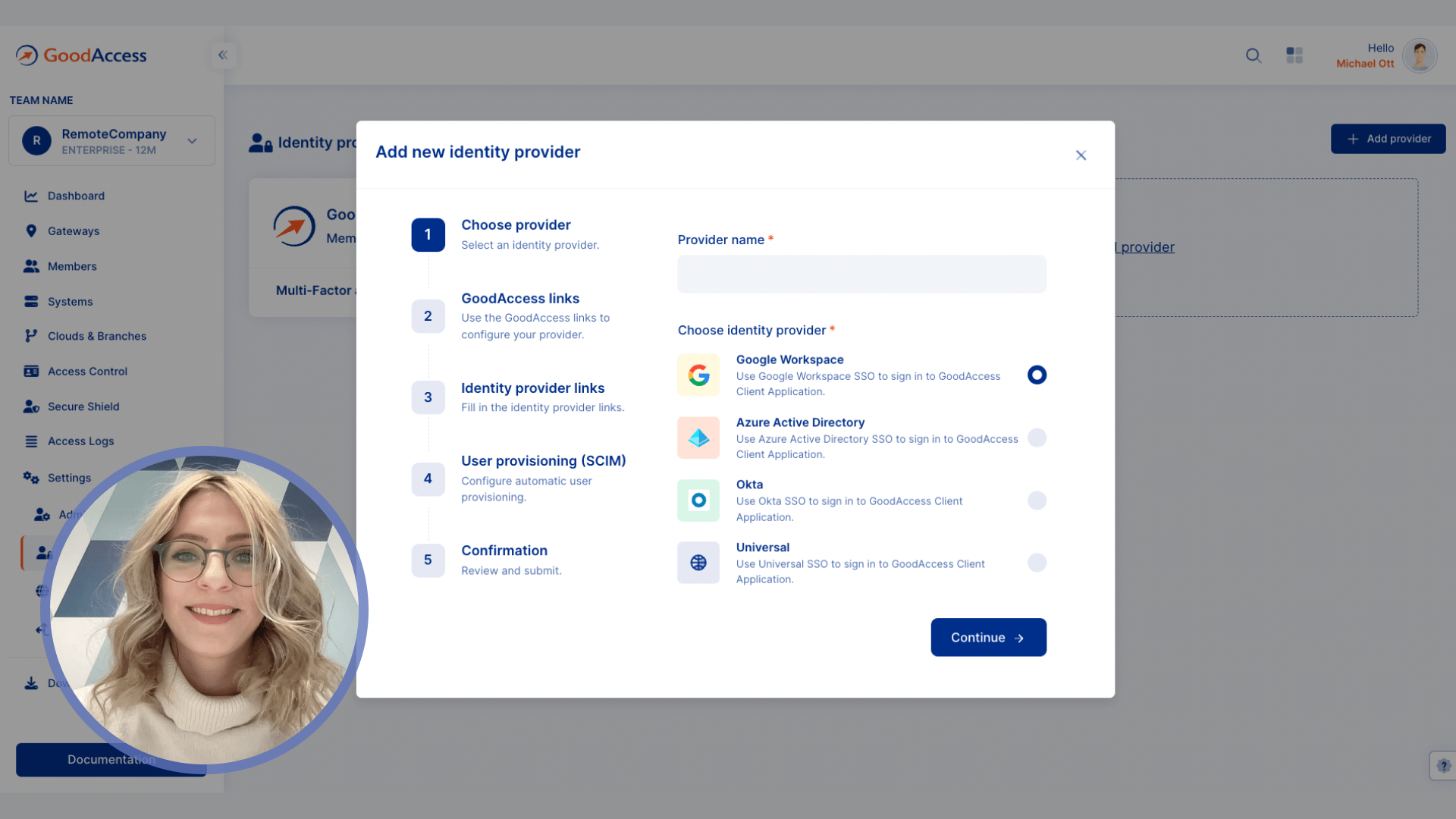
Take a product tour with Eva, GoodAccess product expert, to discover how GoodAccess meets your needs firsthand.

Other features
Explore similar features


Network access control
Extend full control over inbound connections, manage them centrally with zero hardware required.

Zero-trust access control
Minimize the attack surface by robust user authentication, granular privilege assignment, and strong encryption.
MFA guide
Complete guide to multi-factor authentication
Multi-factor authentication (MFA) is an access control technique that requires an additional proof of identity – a pin number, one-time passcode, authentication via an external app or device, etc. Combinations of these factors are common.
GoodAccess provides MFA via external authenticator apps – Google Authenticator (for Android and iOS), Microsoft Authenticator, and Authy.
You can configure MFA on both the GoodAccess client apps to increase security on your endpoints, and on your control panel login to help protect the administration interface. Both are managed via the central GUI. Client apps for mobile devices support biometric authentication as well.
For a hands-on guide, visit our support portal.