

IP Whitelisting
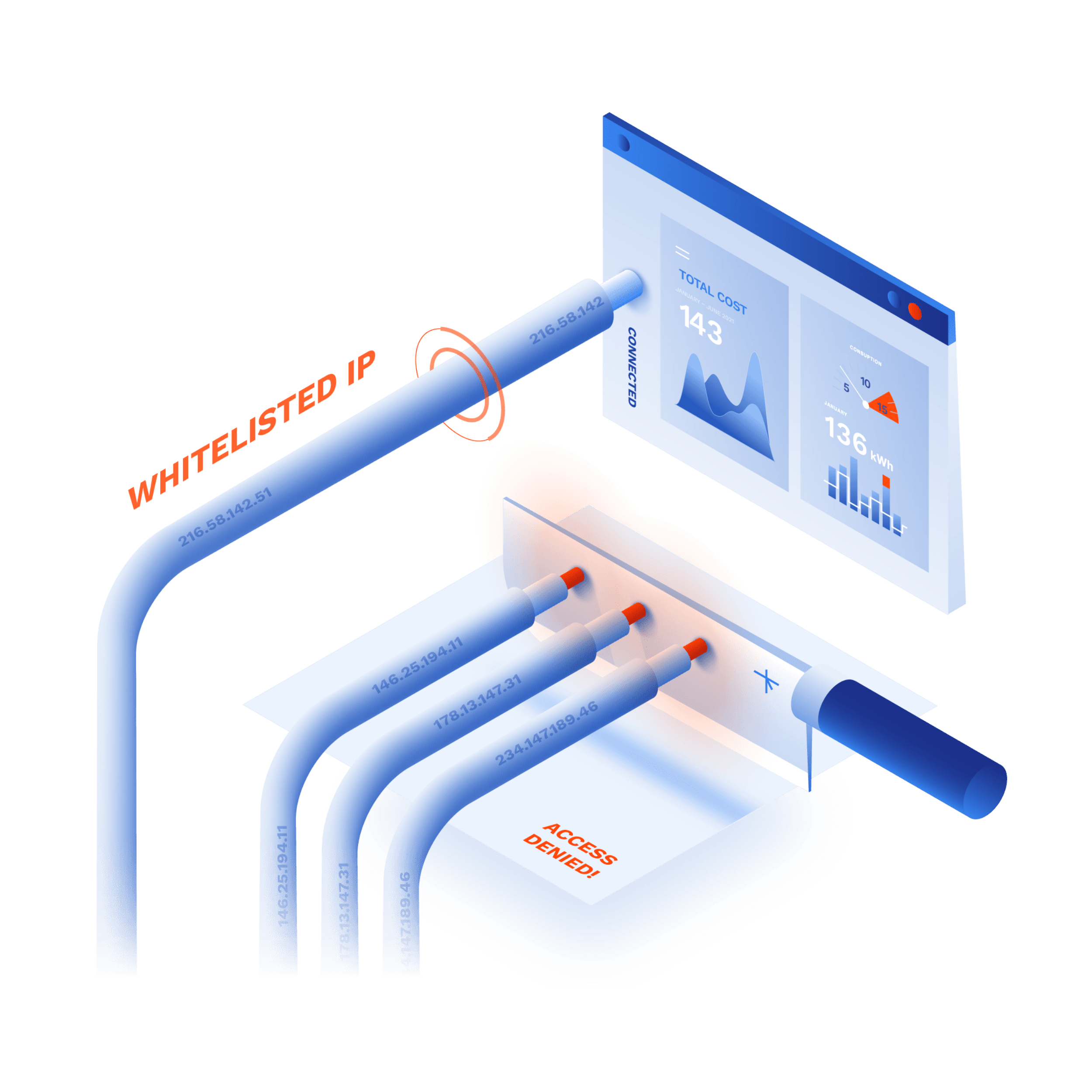
IP whitelisting (IP allowlisting) is a network security technique that allows access to business systems only to whitelisted (allowlisted) IP addresses. Doing this reduces the risk of online threats and shrinks the company's attack surface.
Create Free Account See DemoNo card needed. Full onboarding support.
BENEFITS
Provide quick and secure access on the public internet

Improve security
Block network-borne attacks like DDoS, IP and port sniffing, man-in-the middle, and other.
Main benefit

Control access
Define your trusted users, assign them a unique IP address, and provide access only to them.
Main benefit

Zero hardware
Leverage your existing infrastructure and provide secure access via the internet.
Main benefit
Try Interactive Demo
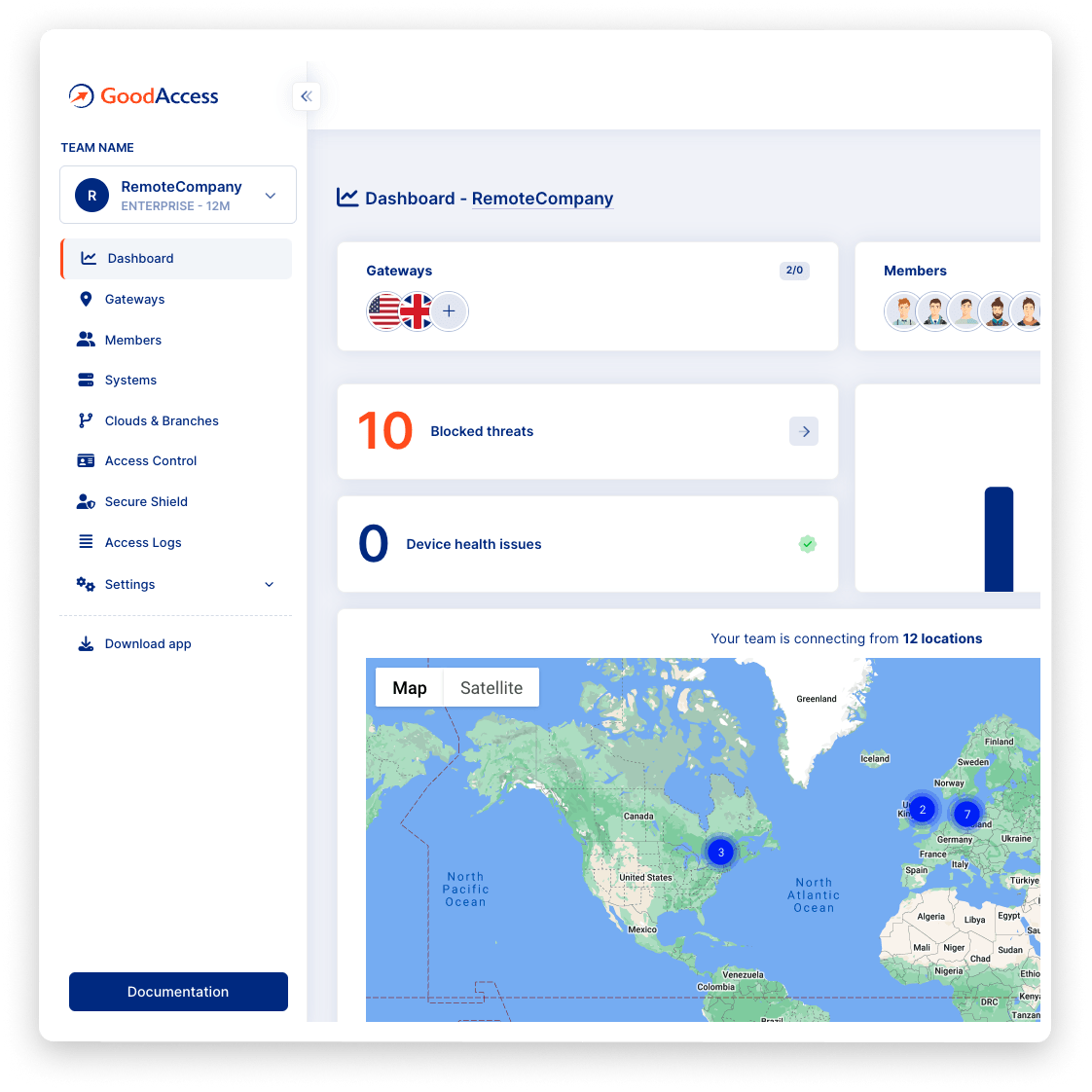
Experience GoodAccess via an interactive demo. Get a feel for all its features and find out why GoodAccess is the right choice for your business.
IP Whitelisting demo
How to use ip whitelisting
FEATURES
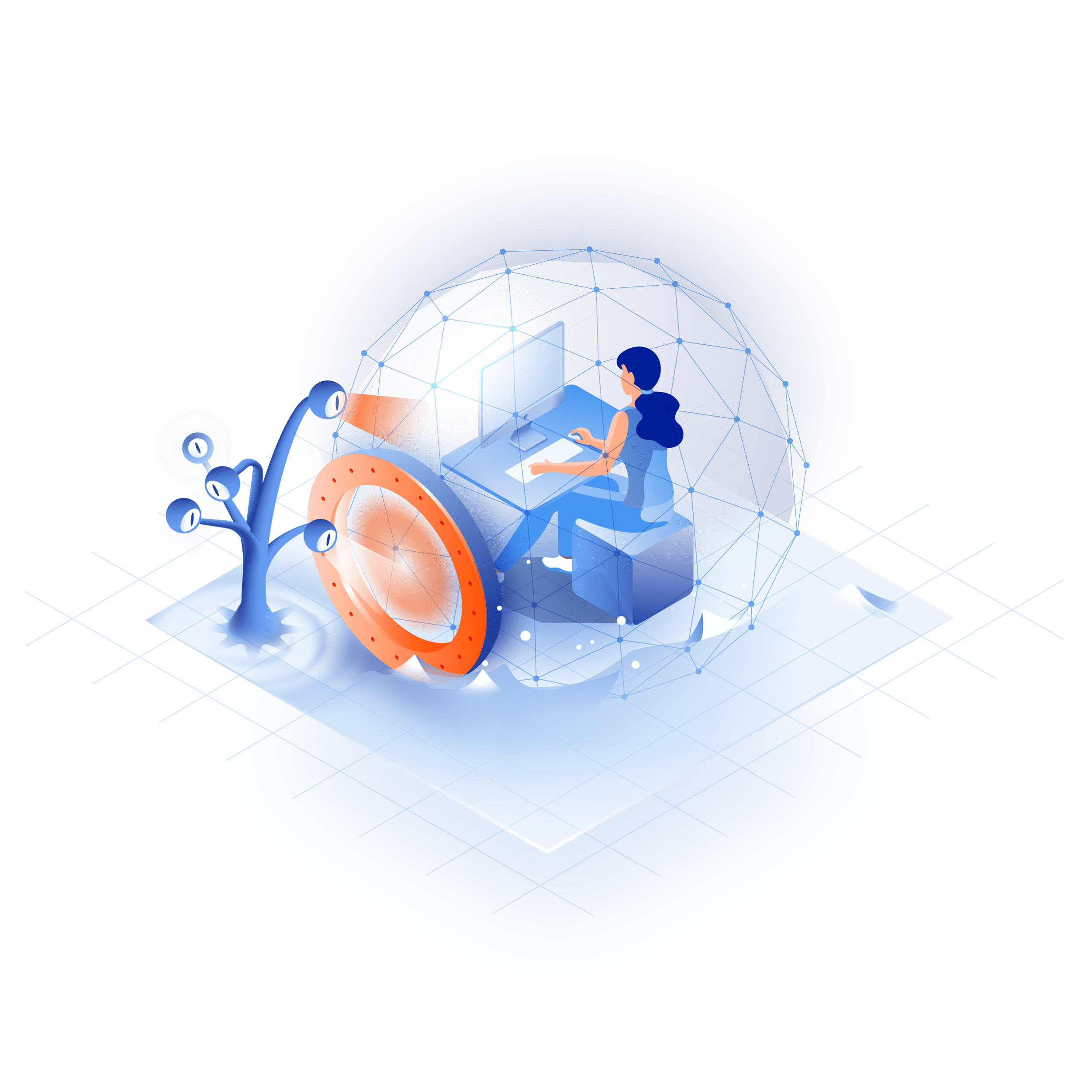
Prevent unauthorized access to your secured systems
secure remote access
Enable secure remote access
Allow end-users to connect from home, cafés, hotels, or airports via a secure tunnel to a VPN gateway with a whitelisted static IP address. Use user-friendly client apps for user authentication.


prevent future breaches
Control network access
Prevent unauthorized access to your internet-facing services that only trusted IP addresses can connect to. Use the static IP address of your gateway and define a policy that remains valid indefinitely.
secure access
Provide secure access to SaaS resources
Protect your connections to cloud services and resources by allowlisting your static IP address in the cloud's security settings.

iot security
Improve IoT security
Ensure your IoT devices (cameras, sensors, building controllers, etc.) that communicate via the internet can only be reached by trusted entities.
access control
Unify access control on the network layer
Pre-authenticate users on your VPN gateway and centralize the management of user access rights, MFA, and SSO for all your systems.
Case study
Hear it from your peers


Case study
Zero Trust Architecture in Creative Dock
Creative Dock needed to ensure ISO 27001 compliance, but they
struggled to achieve the required level of security and control over their network and
user devices (BYOD) with their prior remote-access solution.
Without any additional hardware, GoodAccess provided Creative Dock with full,
centralized control over their infrastructure and
covered up to 70% of technical security requirements of ISO 27001.

Trusted leader in Zero Trust Security
Discover why leading companies rely on GoodAccess for building their Zero Trust Architecture solutions.


"Incredibly user frienly, fast and very helpful."
Overall, the GoodAccess platform is amazing. From the administration side, the platform is incredibly user friendly and you can be up and running in a few minutes, managing users takes no time at all and the customer service is fast and very helpful. We have been with GoodAccess for a number of years with no complaints. The product is very competitive in price with its competitors.

"Find the connectivity and stability of connections stable."
We have been very happy with the reliability of GoodAccess. We find the connectivity and stability of connections stable, we have users across multiple countries and the experience has been very good.

"Simplifies access management and reduces network administration complexity."
GoodAccess's Zero Trust Architecture effectively secures our access to critical network infrastructure and web applications. By enabling a unified IP address for all clients, it simplifies access management and reduces network administration complexity.


"Secure, scalable access to critical systems across a global IP reach."
GoodAccess provides fast onboarding, excellent reporting, and helpful support. It offers secure, scalable access to critical systems across a global IP reach, making it vital for managing multiple users effortlessly. The platform's user-friendly management enhances our operational efficiency and security.
How to enable IP whitelisting in GoodAccess

Test all premium features for 14 days without limitation. No credit card required.

Decide which devices to include and build your secure environment in 10 minutes.

Whitelist your IP address in cloud systems, provide quick remote access, or publish your online services.
No card needed. Full onboarding support.
Get your personalized product demo
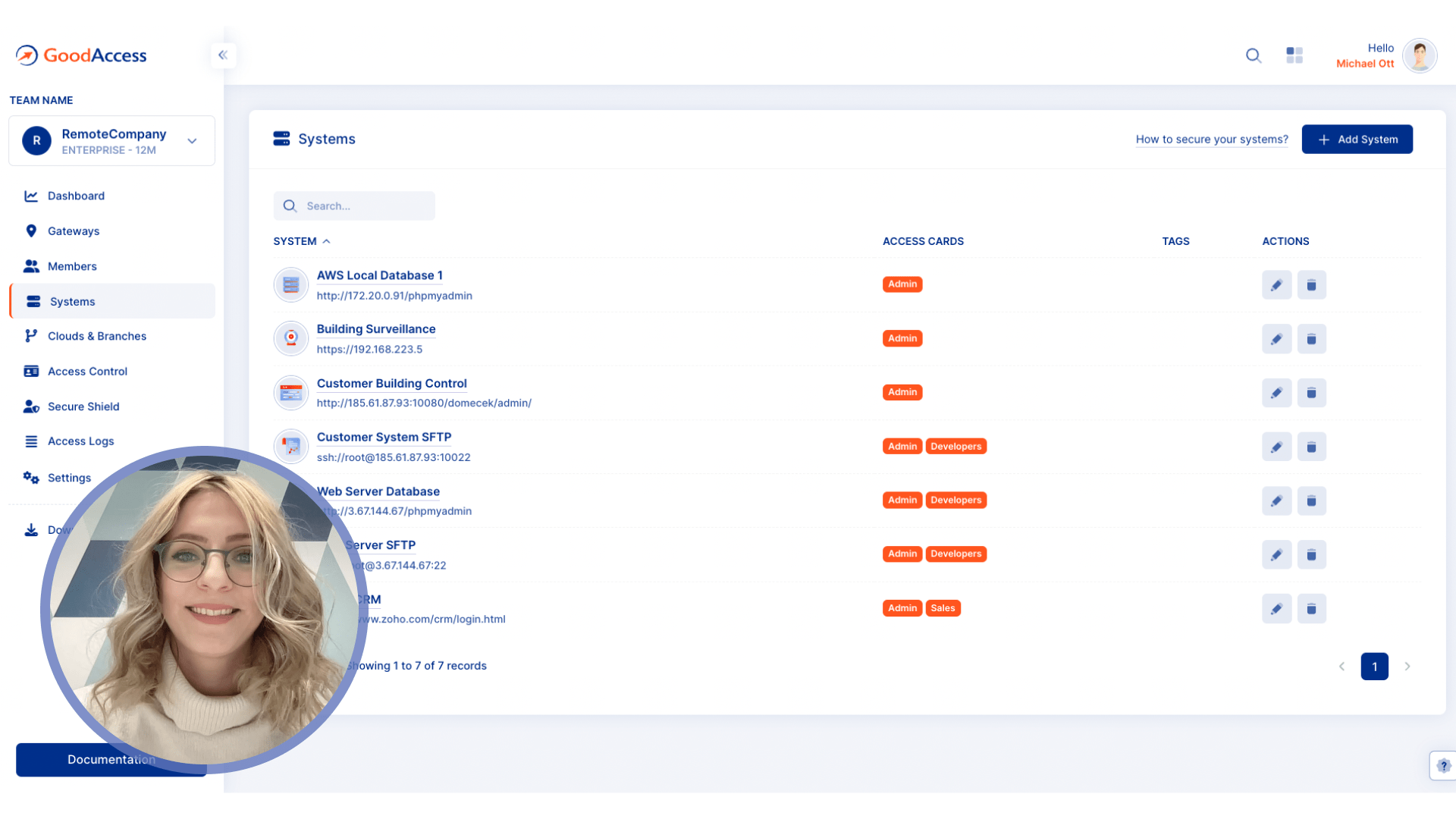
Take a product tour with Eva, GoodAccess product expert, to discover how GoodAccess meets your needs firsthand.

Other features
Explore similar features

Static IP address
Get a permanent and unique identifier of your business on the public internet.

Split tunneling
Conserve bandwidth by routing only critical connections through an encrypted tunnel.

Dedicated VPN gateway
Connect from anywhere in the world via a secure and private tunnel.
IP Whitelisting guide
Complete guide to IP whitelisting
IP whitelisting requires a static IP address. A whitelisted IP address means that a system inside the LAN, datacenter, or third-party cloud application is configured for access only by users who have their organization's IP address, regardless of where they are connecting from. Communication from all other addresses will be rejected.
GoodAccess offers a static IP address for its business VPN gateway, which you can use for IP whitelisting in your other systems. Using the gateway's IP address for IP whitelisting instead of the addresses of routers, LANs, or individual user devices offers significant benefits:
1. GoodAccess pre-authenticates all users with MFA and SSO before they connect, thus ensuring
they are eligible.
2. The GoodAccess gateway serves as an access control point. You can centralize all access
privileges in one web-based configuration panel.
3. You can manage your IP whitelists centrally and extend IP whitelisting to services and
applications that do not support it natively.
For a deep dive into IP whitelisting, check out this article.
For a hands-on guide on how to configure IP whitelisting in GoodAccess, visit our support portal.